






Table of Contents Show
Good notes can make college classes much easier to manage, but the right setup looks different for every student. Some people remember more when they write by hand, while others need the speed and flexibility of a laptop or tablet. Many students find that a mix of both works best.
The most useful note-taking supplies help you capture information clearly, organize it by class, and find important details when exams arrive.
These practical picks can support different learning styles without filling your backpack with items you rarely use.
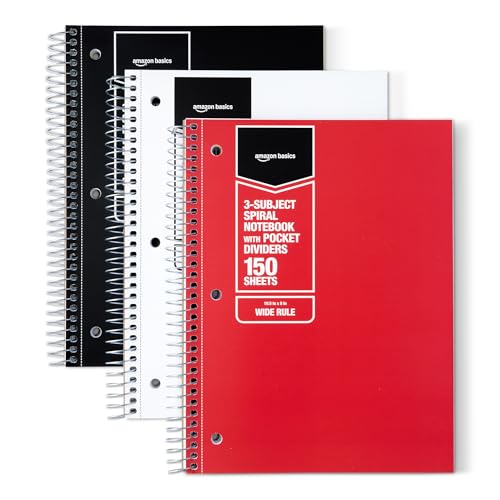
1. A Separate Notebook for Each Course
Using one notebook per subject keeps lecture notes from different classes from becoming mixed together. It also makes it easier to bring only what you need on lighter class days instead of carrying one oversized notebook everywhere.
Choose notebooks with strong covers and enough pages to last the semester. Label the front and spine clearly, and consider assigning a different color to each class so you can identify the correct notebook quickly.

For People Who Love to Make Things ✂️
Our recommended options


2. A Multi-Subject Notebook for Busy Class Days
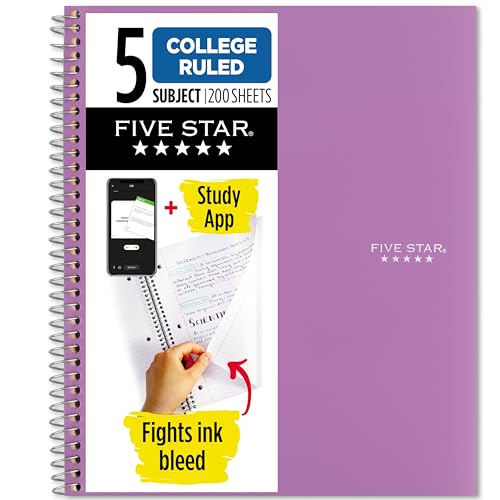
A multi-subject notebook is useful when several lectures happen on the same day. It reduces the number of separate books in your backpack while still giving each course its own divided section.
Look for one with durable dividers and pockets for loose handouts. Make sure each section has enough pages for the amount of note-taking your classes require, because some lecture-heavy courses may need more space than others.
Our recommended options


3. Smooth-Writing Black and Blue Pens

Reliable pens make it easier to keep up during fast lectures without dealing with skipping ink or uncomfortable grips. Black and blue are especially practical because they remain easy to read and are accepted for most assignments and exams.
Test a few pen styles before buying a large pack. A medium or fine tip usually works well for detailed notes, while quick-drying ink is helpful for left-handed students or anyone who tends to smudge pages.
Our recommended options


4. A Small Set of Color-Coding Pens
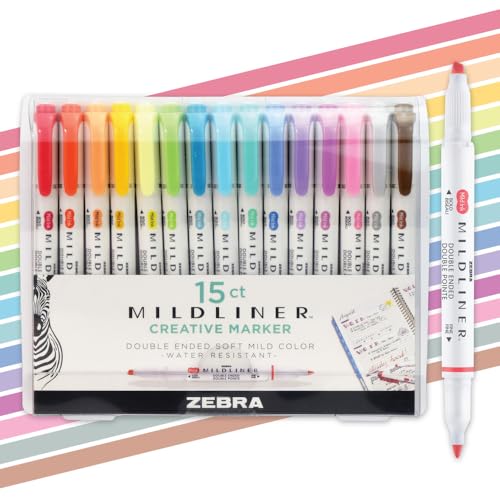
A few colored pens can help separate definitions, examples, questions, and important dates. A simple color system makes notes easier to review without turning every page into a complicated art project.
Limit yourself to three or four useful colors and give each one a consistent purpose. For example, use one color for key terms, another for professor comments, and a third for material likely to appear on an exam.
Our recommended options


5. Mild Highlighters
Highlighters help important concepts stand out when you review handwritten notes, readings, or printed lecture slides. Softer colors are often easier to look at for long periods and are less likely to overpower the text beneath them.
Avoid highlighting entire paragraphs because too much color makes it difficult to identify what truly matters. Read the section first, then mark only the main idea, essential term, or sentence you need to find again.
Our recommended options

6. Page Flags for Quick Reference

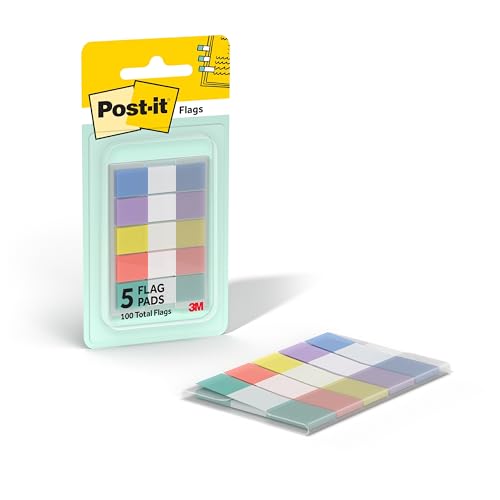
Page flags allow you to mark important lectures, difficult topics, and sections that need more review. They are especially helpful in thick notebooks or textbooks where important material may otherwise be hard to locate.
Use different colors for categories such as exam topics, questions, assignments, and completed review. Write a short label on larger flags so you know exactly why the page was marked.
Our recommended options


7. Sticky Notes in Several Sizes
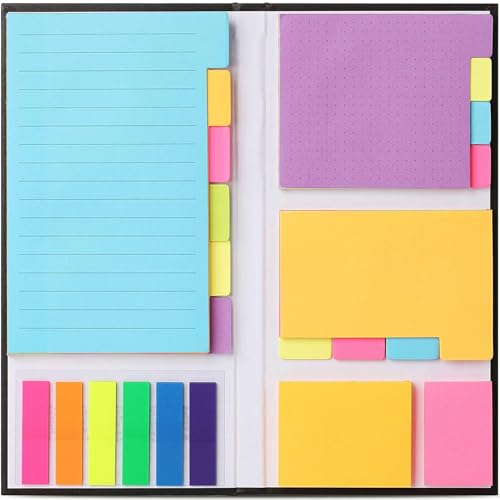
Sticky notes are useful for adding information when there is no room left on the original page. They can also hold questions for office hours, short summaries, essay ideas, and reminders about concepts you need to revisit.
Small notes work well for quick definitions and page markers, while larger ones can hold diagrams or brief topic summaries. Avoid placing too many on one page because they may cover the notes you are trying to organize.
Our recommended options

8. A Tablet With a Compatible Stylus
A tablet can combine handwritten notes, digital textbooks, lecture slides, and class documents in one lightweight device. With a stylus, students can write directly on slides, draw diagrams, and rearrange notes without carrying several notebooks.
Before buying one, check that the note-taking apps and file formats work with your school’s systems. A protective case and secure cloud backup are also important because losing the device should not mean losing an entire semester of notes.
Our recommended options


9. A Paper-Feel Screen Protector

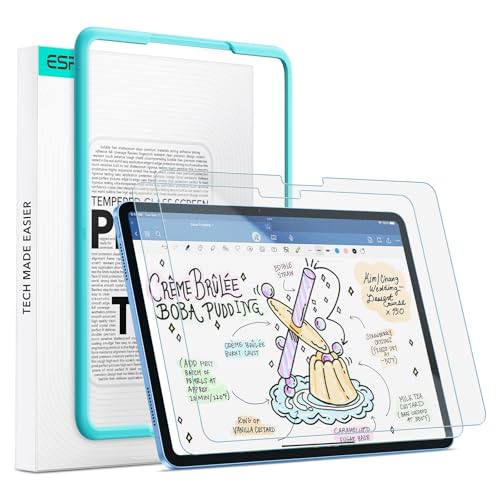
Students who take handwritten notes on a tablet may find a smooth glass screen difficult to control. A textured screen protector can create more resistance beneath the stylus and make digital writing feel closer to writing on paper.
Keep in mind that textured protectors may slightly reduce screen sharpness or wear down stylus tips faster. Read product details carefully and choose one that fits your exact tablet model.
Our recommended options


10. A Portable Laptop Stand
A laptop stand raises the screen to a more comfortable viewing height during long lectures and study sessions. It is especially helpful when typing detailed notes in the library, dorm, or a classroom with enough desk space.
Choose a folding model that is lightweight and does not take up much room in your backpack. Pair it with an external keyboard only when you have a stable work surface, since a larger setup may not be practical in every lecture hall.
Our recommended options


11. A Quiet External Keyboard
Students who type most of their notes may find a compact external keyboard more comfortable than a laptop keyboard. It can provide better hand placement and allow you to position the screen farther away when using a laptop stand.
Look for quiet keys so your typing does not distract classmates. A slim rechargeable model is easier to carry than a heavy desktop keyboard and reduces the need to keep spare batteries nearby.
Our recommended options


12. A Voice Recorder for Approved Lectures
A small voice recorder can help students revisit complex explanations, unfamiliar terminology, or fast-paced lectures. It can be particularly useful when listening and understanding are more important than trying to write every sentence.
Always ask for permission before recording because professors and colleges may have different rules. Recordings should support your notes rather than replace active listening, and they should be stored securely to protect other people’s privacy.
Our recommended options


13. An Expanding File for Printed Materials
Printed slides, worksheets, lab instructions, and graded assignments can quickly become mixed together. An expanding file gives each course its own section and prevents loose papers from being crushed inside your backpack.
Choose one with clear labels and a secure closure. File papers at the end of each week rather than allowing them to pile up on your desk or remain hidden inside random folders.
Our recommended options


14. A Portable Document Scanner
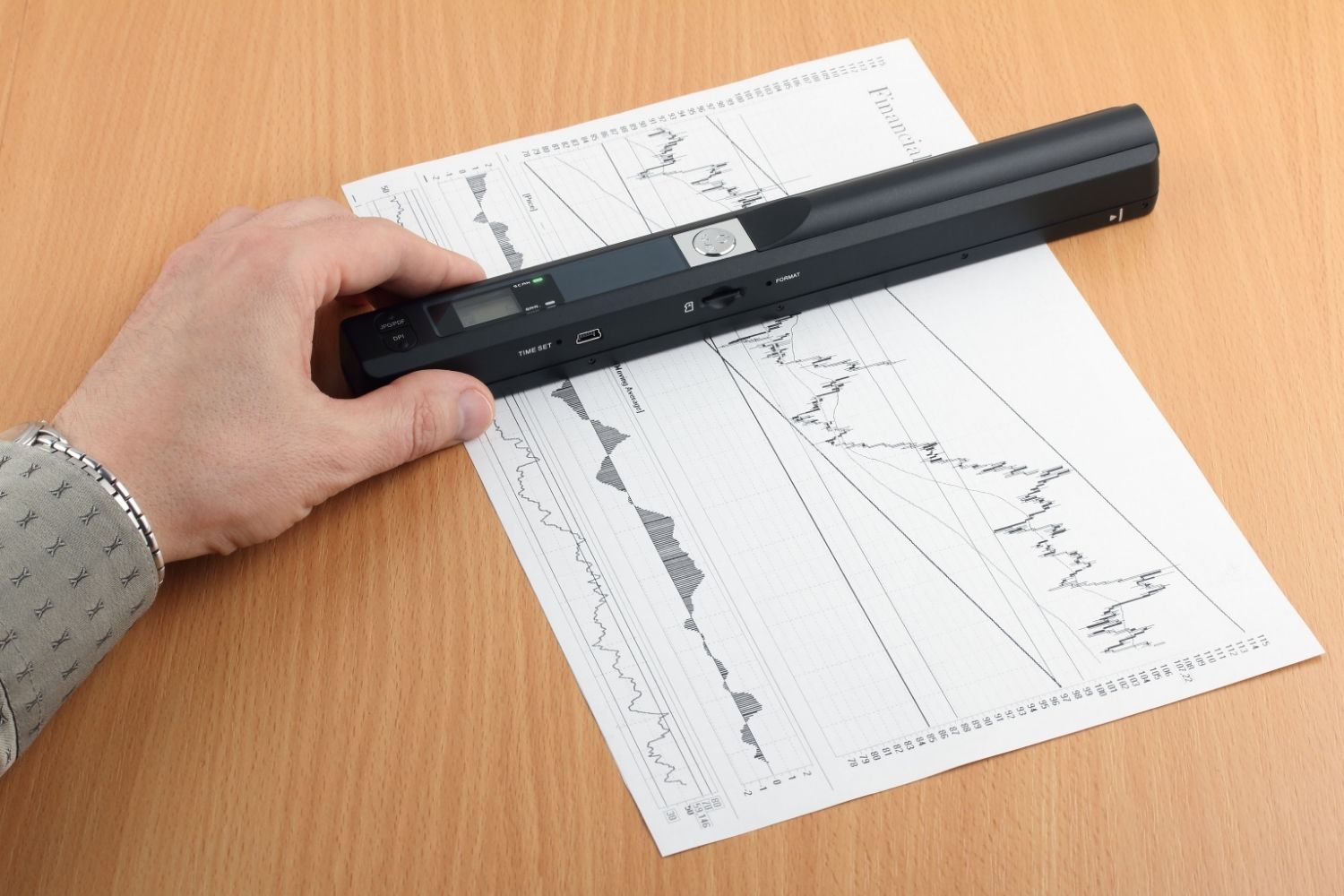
A compact document scanner or scanning device can turn handwritten pages and printed handouts into digital files. This gives you a backup and makes it easier to search, share, or review notes from different devices.
Students who do not need a separate scanner can use a reliable scanning app on their phone. Save files with clear names that include the course, topic, and date so they do not become a folder of unorganized images.
Our recommended options


15. A Refillable Note-Taking Folio
A refillable folio keeps loose-leaf paper, a notepad, pens, class documents, and small accessories together in one professional-looking case. It is useful for lectures, academic meetings, internships, presentations, and office hours.
Choose one that is slim enough to fit inside your backpack and opens flat for comfortable writing. Replaceable paper makes it more practical than a fixed notebook because you can remove completed pages and add fresh sections as needed.
Our recommended options